Light planner for iPhone
Know your light before you leave.
Golden hour, blue hour, moonrise and the Milky Way core — for wherever you are, on one calm screen. Five seconds of planning. Zero second-guessing on location.
- No account
- Calculated on your iPhone
- Any place on Earth
You have typed these into a search bar at least once. Scatta answers all of them at a glance.
- what time is golden hour today
- when is blue hour tonight
- is the milky way visible tonight
- what time does the moon set
- golden hour calculator
- best time for sunset photos
- when is astronomical twilight
- milky way season 2027
- moonrise time today
- when does it get dark tonight
Save time
Planning shouldn’t take longer than the shoot.
Most light apps hand you a map, a 3D globe and twenty calculators. Scatta hands you the answer: what light is happening now, and what is coming next.
- 1
Open it.
Scatta finds where you are and shows the light right now — Golden Hour, ends in 37 min — in big, unmissable type.
- 2
Glance down.
Everything coming up today and tomorrow, in order, grouped by date. Tonight’s plan and tomorrow’s alarm in a single scroll.
- 3
Go shoot.
Need more? Tap any event for the next 7 days, a plain-English explanation and the next date it happens — searched a full year ahead.
Pro planners
Brilliant for the once-a-year panorama you have storyboarded for months.
- Maps, AR, ephemeris tables
- A tutorial before your first answer
- Settings for everything
Scatta
Built for the other 300 evenings a year — when you just need to know if it is worth grabbing the camera.
- One screen, answers first
- Useful in the first five seconds
- Choose your events, then forget about settings
Twelve kinds of light
Show the moments you shoot. Hide the rest.
Wedding photographers live in golden hour. Cityscape shooters wait for blue hour. Astro folks want the dark. Turn on exactly what matters to you, and your dashboard stays quiet about everything else.
Sun & Light

Sunrise
Be set up before the first edge clears the horizon.

Golden Hour
Soft, low, warm light — start and end, to the minute.

Bright Daylight
Know when the harsh light ends and the good part begins.
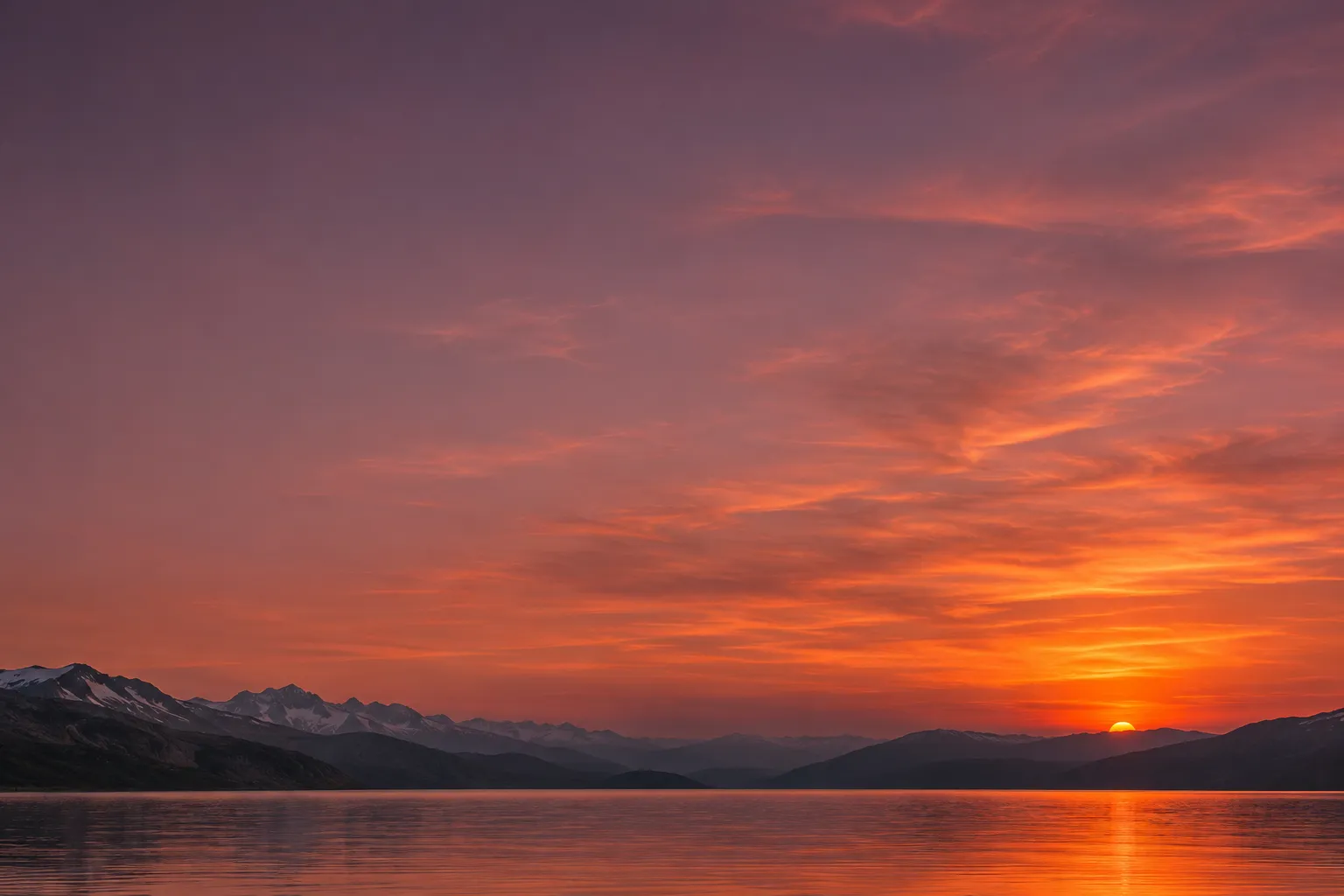
Sunset
The exact moment the Sun meets the horizon.

Blue Hour
Those cobalt minutes after sunset that cities glow in.
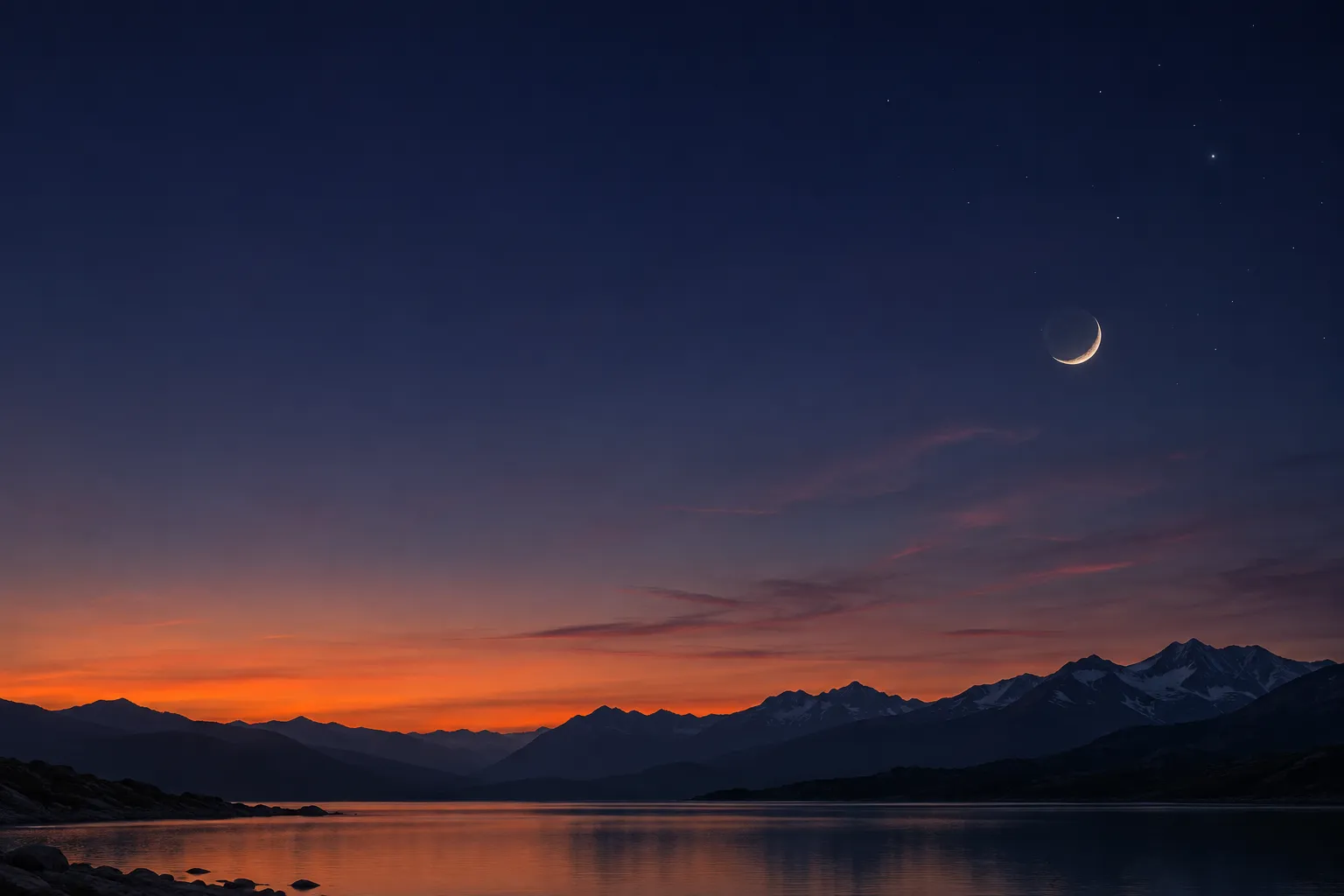
Nightfall
When the last ember fades and the first stars appear.
Moon

Moonrise
Catch a low, warm Moon right as it clears the ridge.

Moonset
Know when the Moon leaves — and the dark returns.
Night Sky
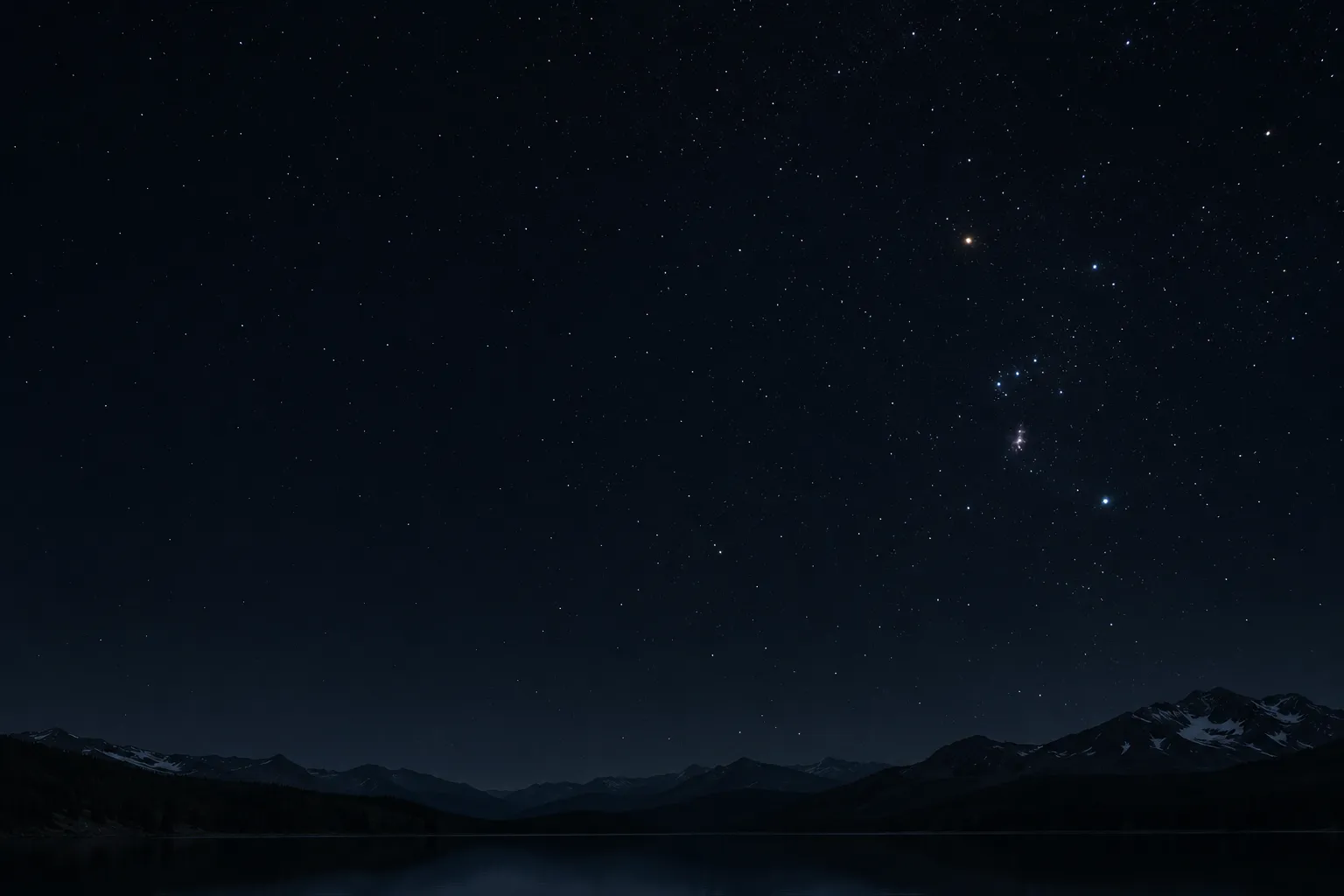
Astronomical Night
The sky at its truly darkest — no twilight left.
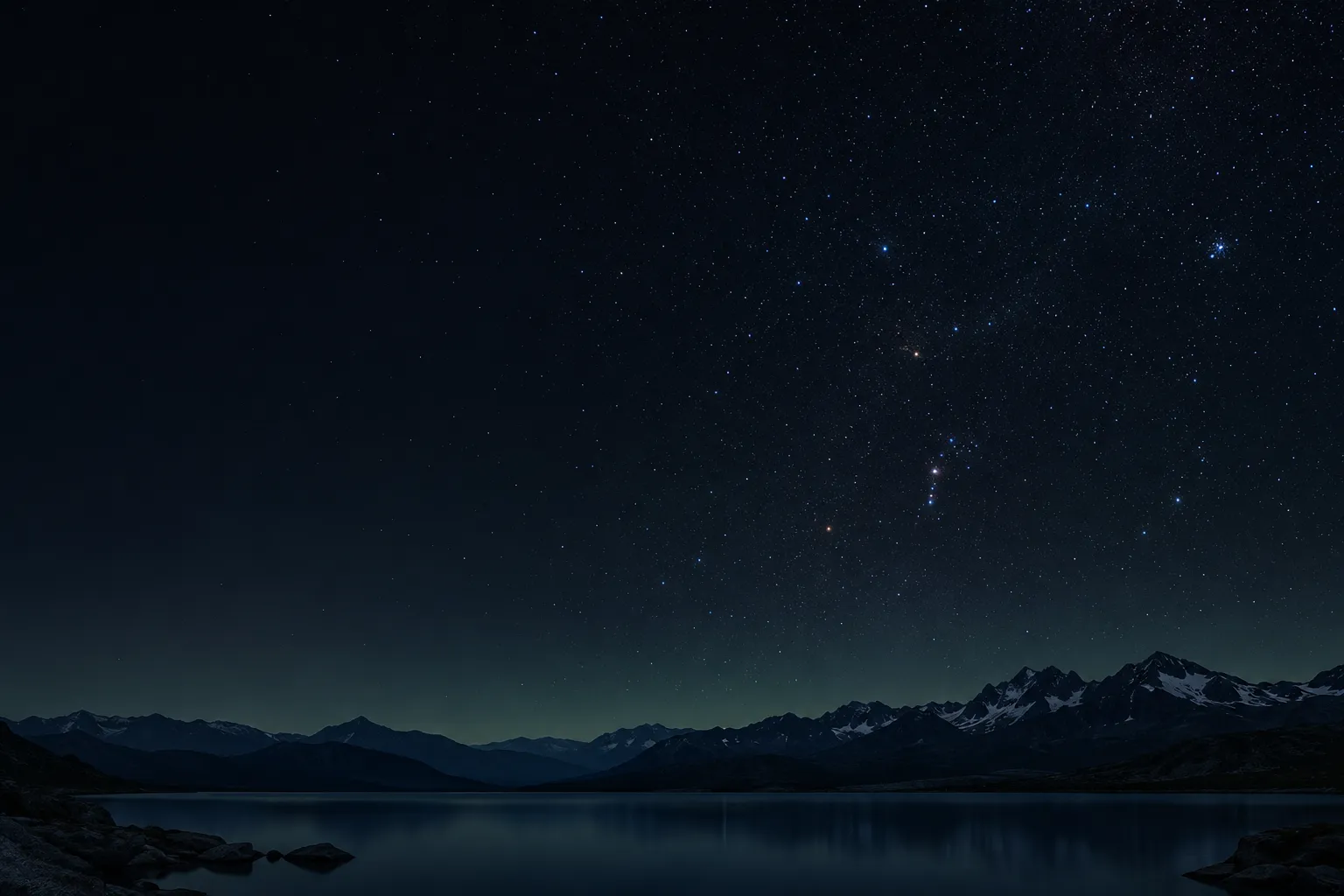
Moonless Window
Dark sky and no Moon. The window faint stars need.
Milky Way Core Window
Dark, moonless, and the core above 10°. Go.
Core Culmination
The core at its highest point of the night.
Milky Way
Stop setting 2 a.m. alarms on a hunch.
The core needs three things at once: a truly dark sky, the core high enough to see, and no Moon washing it out. Scatta checks all three and gives you the window — or tells you plainly that there isn’t one.
The next window, found for you
Nothing this week? Scatta searches twelve months ahead and shows the next date it happens — with how long it lasts.
Next · Sat 13 MarStarts in 4 days · lasts 1 h 48 min
Season at a glance
See which months have core opportunities where you are — so you can plan the trip, not just the night.
- J
- F
- M
- A
- M
- J
- J
- A
- S
- O
- N
- D
Honest when it’s a no
“Out of season.” “No moonless window this week.” Scatta tells you exactly why — so you can stay home with a clear conscience.
This weekNo moonless window — the Moon rules out each night.
Confidence
Every time comes with its reason.
Half the stress of planning is not knowing whether to trust the number. Every event in Scatta explains what it is, what it is good for, and exactly how it is calculated.
- Times in the location’s own time zone. Planning Iceland from Lisbon just works.
- Ongoing events show when they end — “Now · until 19:24” — never a stale start time.
- Loading, failed and “none” never look alike. An empty week is a verified empty week.
- Clear about the limits. Astronomical times only — no fake weather or “photo score”.
Peace of mind
No account. No server. Nothing to worry about.
Scatta does its maths on your iPhone. There is no Scatta server and nothing to sign up for.
No sign-up
No email, no password, no profile. It works the first time you open it.
Calculated on your iPhone
Location is used only while the app is open. Finding a place and its time zone may use Apple’s location services. Scatta remembers your last place — nothing more.
Truly native
A real SwiftUI app that follows your iPhone’s text size, dark mode and Reduce Motion settings. It feels like part of iOS, because it is.
Questions
Straight answers.
Does Scatta predict the weather?
No — and it never pretends to. Scatta calculates astronomical times: where the Sun, Moon and Milky Way core will be. Clouds, terrain and light pollution are not included, so pair it with your favourite forecast. We would rather be honest than give you a made-up “photo score”.
Do I need an account?
No. There is no sign-up, no login and no Scatta server. Open the app and it works.
What happens with my location?
Scatta uses your location only while the app is open, and calculates every time on your iPhone. Finding a place and its time zone may use Apple’s location services. Scatta only remembers the last place you chose so it can open where you left off — there is no history of where you have been.
Can I plan for somewhere I am not right now?
Yes. Pick a city or drop a pin on the map. All times are shown in that location’s own time zone, so you can plan next week’s trip from your sofa without doing time-zone maths.
How accurate are the times?
Times are calculated for a standard, level horizon and shown to the minute. A mountain ridge or a tall building in front of you will change what you actually see — so arrive a little early. Every event explains its exact calculation conditions inside the app.
Will it remind me before golden hour?
Not yet. Scatta does not send notifications today — that is why you will see “Coming later” next to reminders in the app.
Is there an Android version?
Not at the moment. Scatta is iPhone only for now.
The light won’t wait.
Now you won’t have to guess.
Get Scatta and spend your evenings shooting, not calculating.